
Run the shift, not the spreadsheet.
Clock-ins, schedules, swaps, and payroll hours — plus shift checklists, calendar sync, and scheduling suggestions built from your own team's history.
Available on iOS and Android
Everything a shift-based team needs
Clock in/out with GPS
A location snapshot at every clock-in and clock-out, with a full admin adjustment history for corrections.
Scheduling & swaps
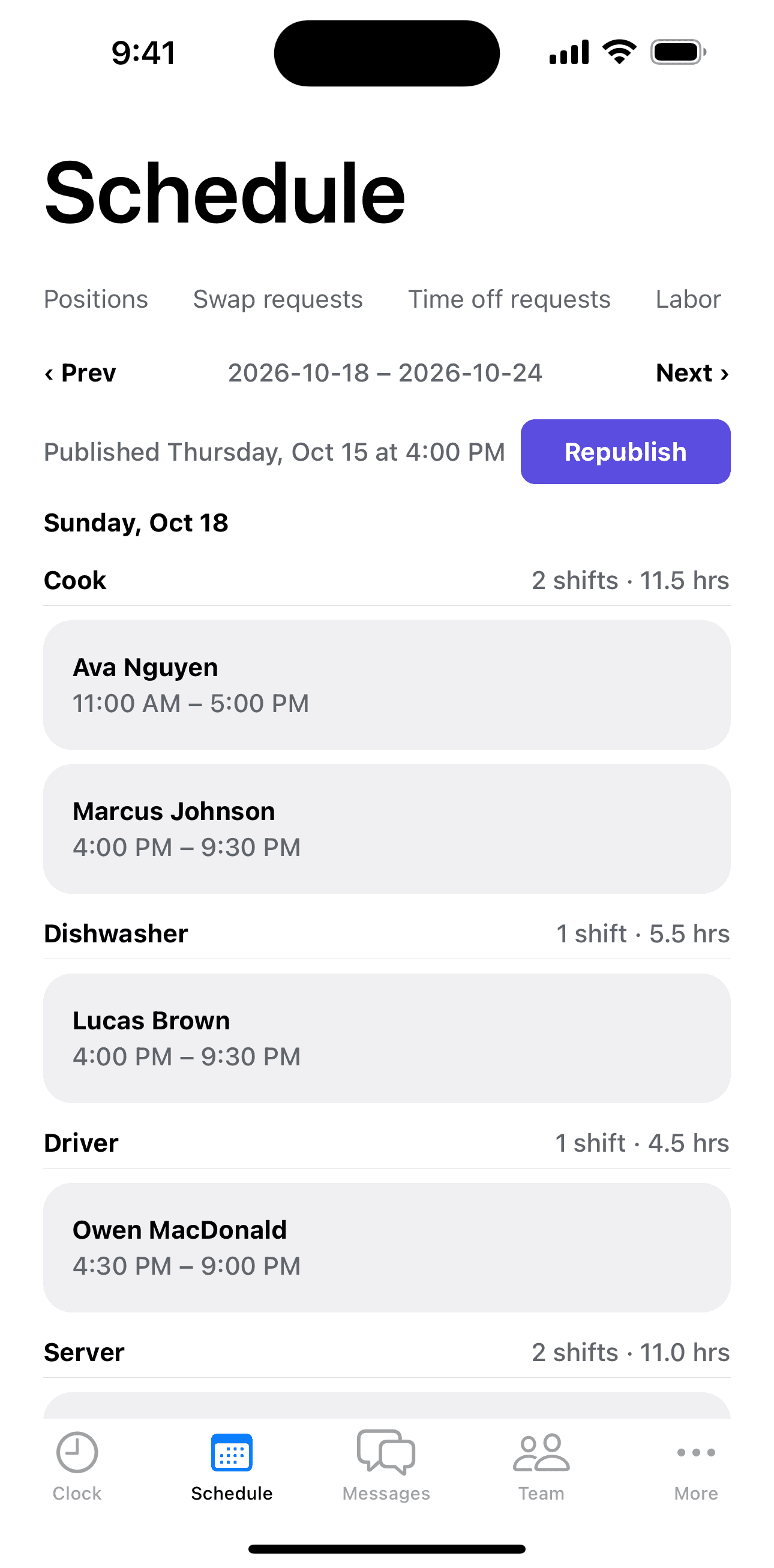
Build the week, publish it, and let employees offer or claim open shifts without a single phone call.
Hours for payroll
Regular, overtime, and stat-holiday hours tracked automatically and exported as a PDF report per pay period.
Overtime alerts
Admins get notified the moment someone crosses 8 hours in a day — while they're still clocked in.
Built from how your team actually works
Built from shift data Shiftova already has — no new setup, nothing extra to maintain.
Shift Tasks
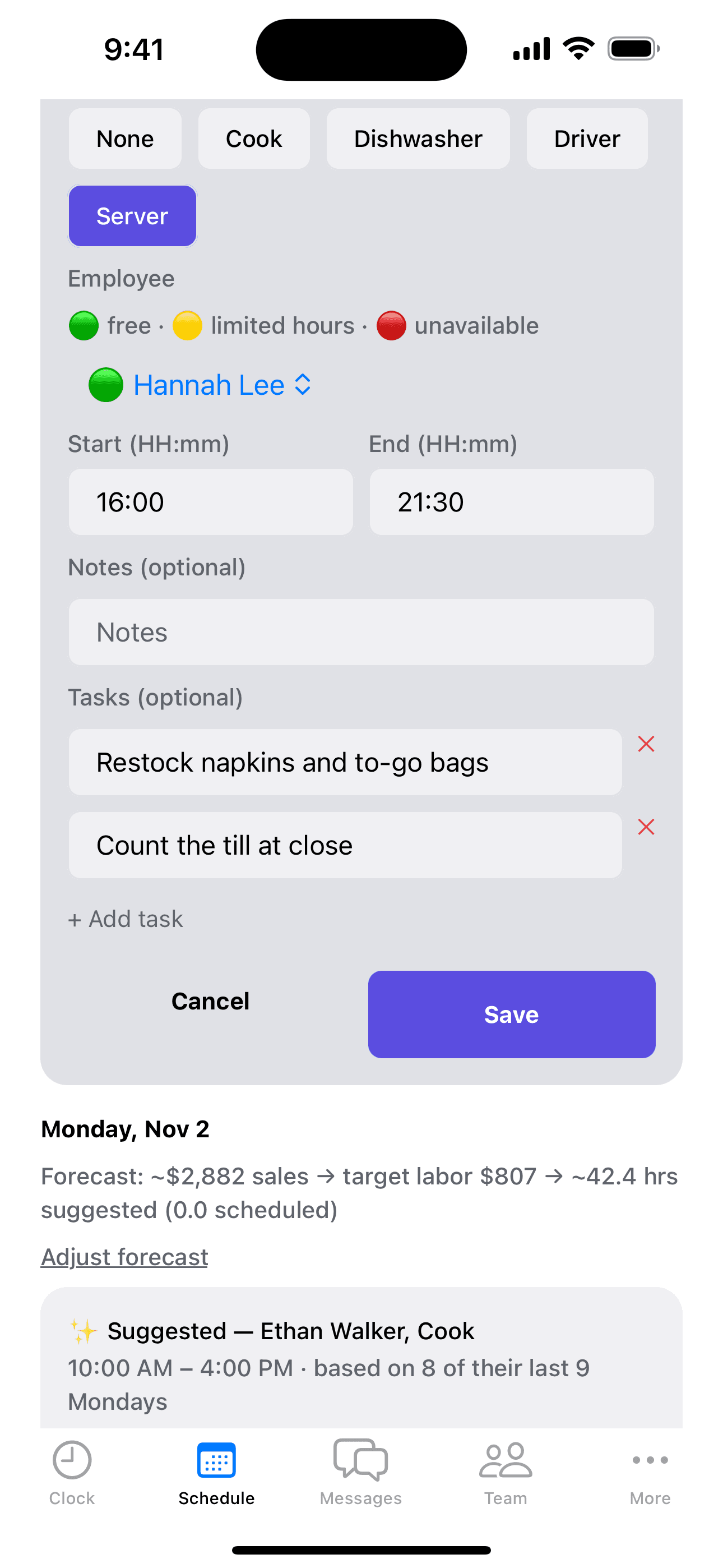
Attach a quick checklist to any shift — restock supplies, clean the equipment, count the till — and see who's checked it off before they clock out.
Schedule Signals
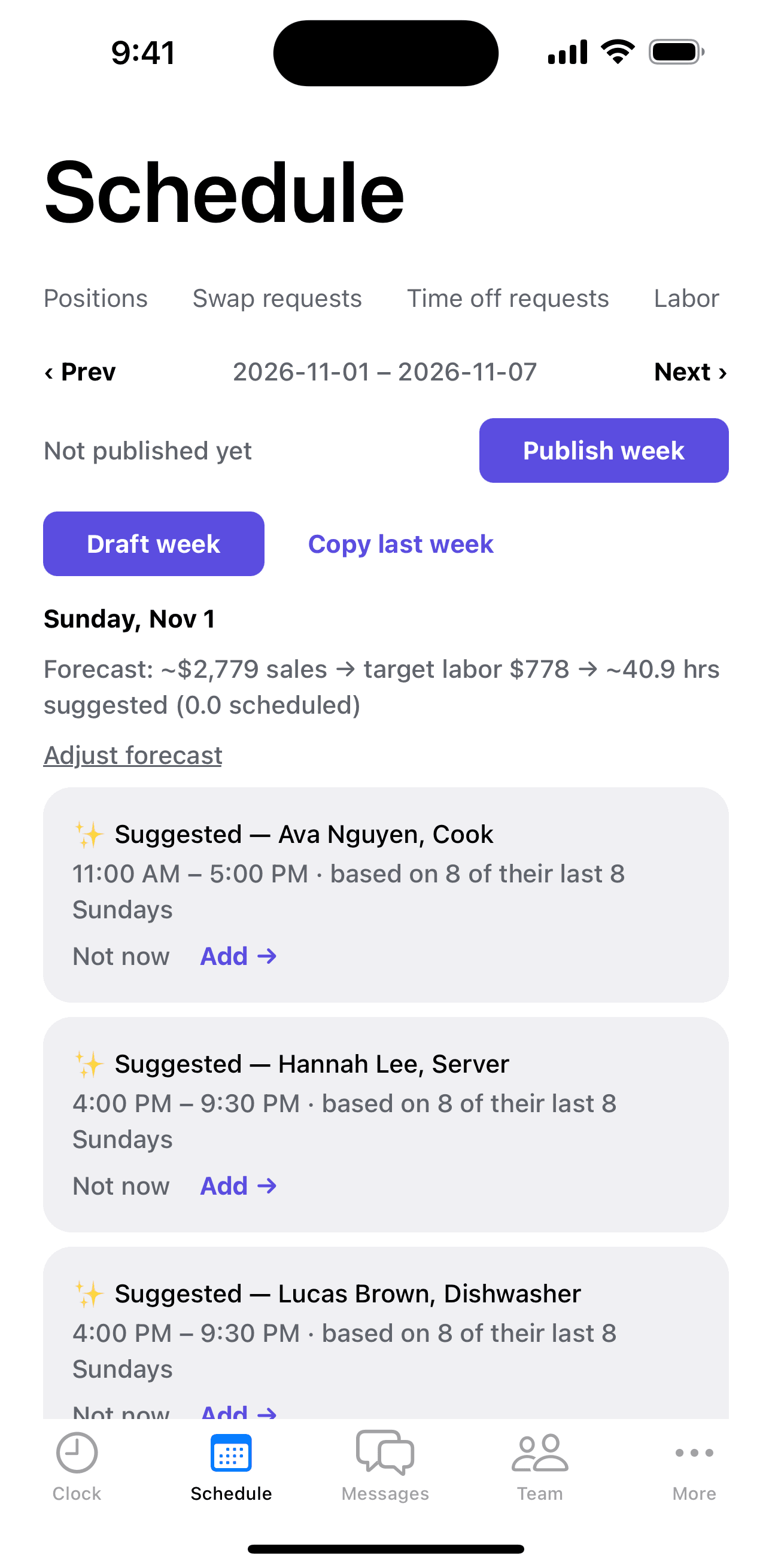
Shiftova studies your own scheduling and sales history — who usually works Saturdays, what an upcoming week's labor-hours budget should be — and quietly suggests a shift, a better end time, or how many hours to schedule. Nothing is ever auto-applied; every suggestion is one tap to accept or dismiss.
Calendar sync
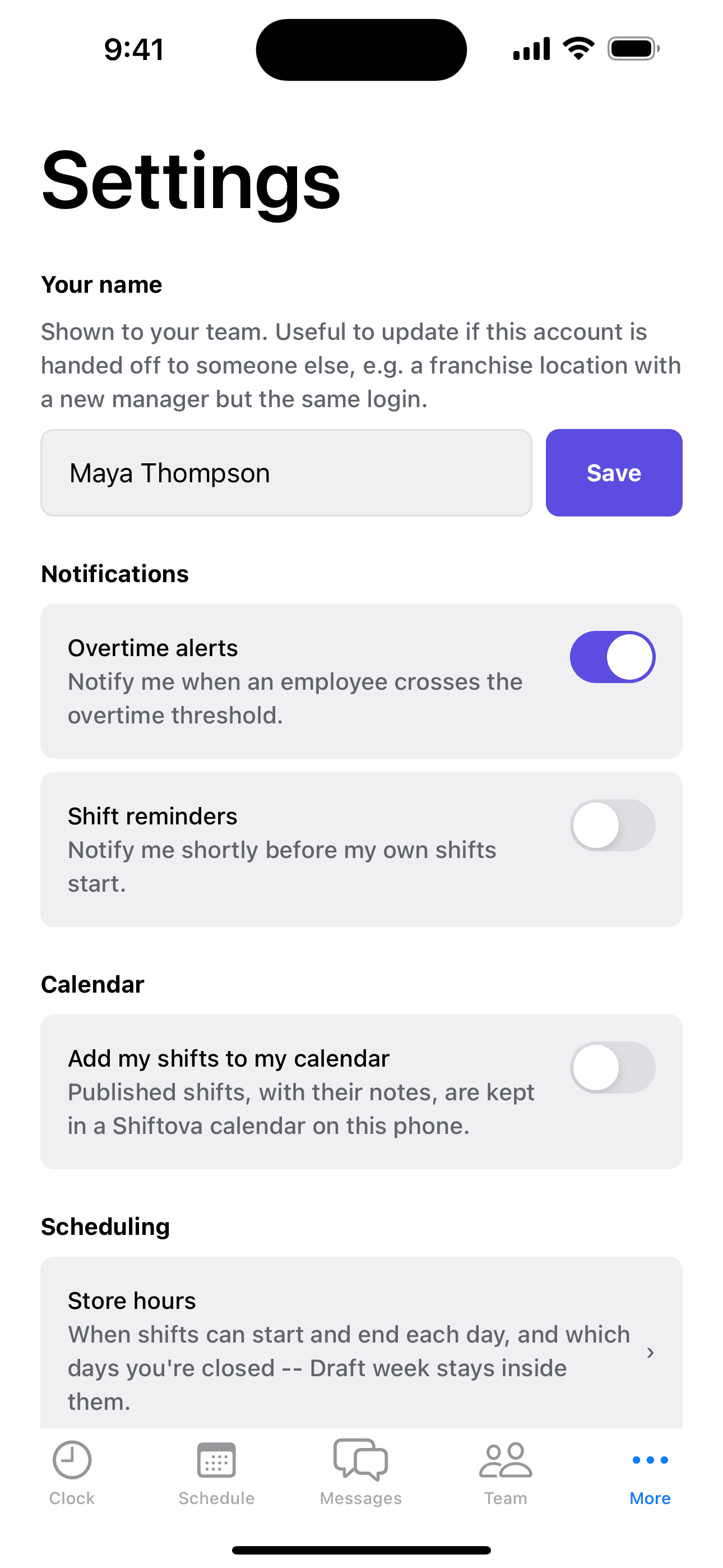
Published shifts show up automatically in your team's own phone calendar, right alongside the rest of their life — no separate app to remember to open.
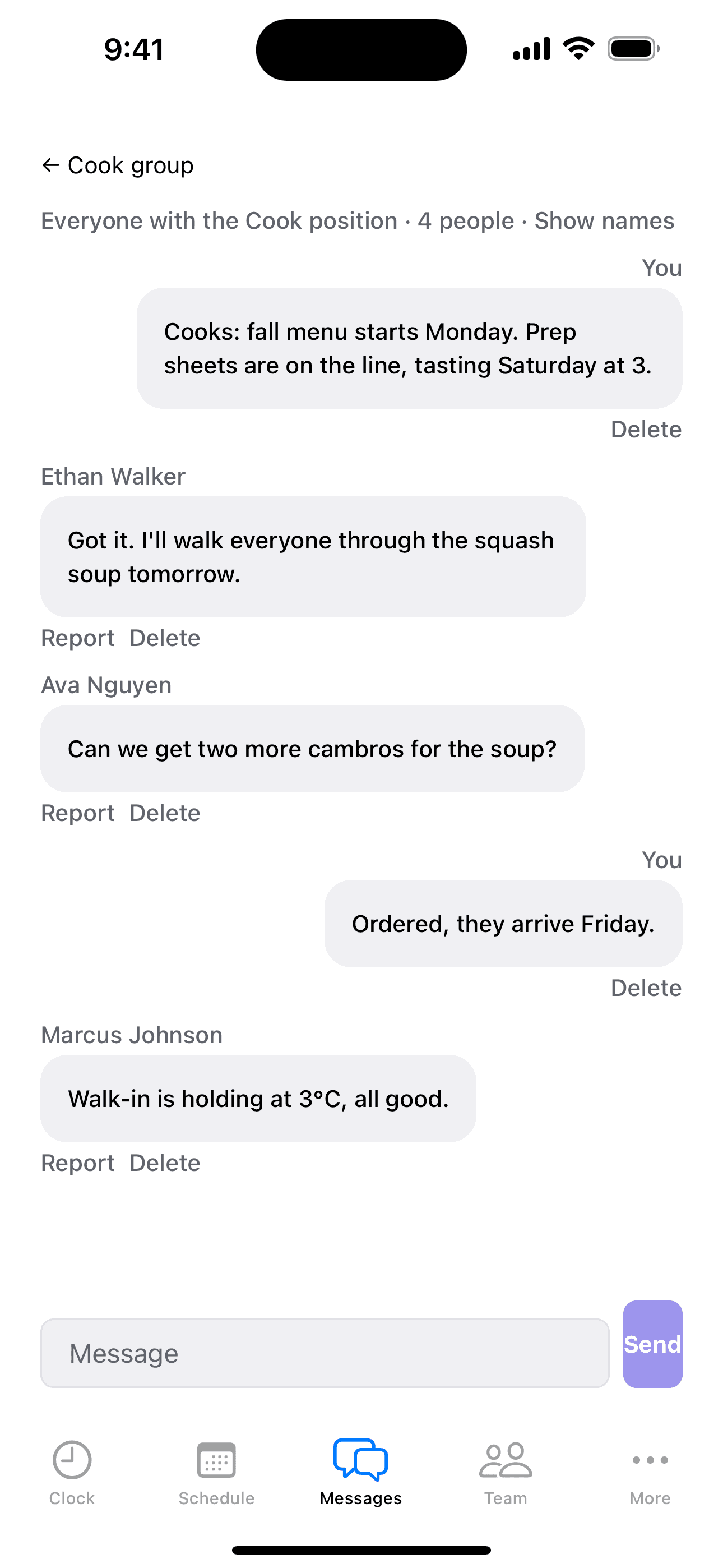
Team chat, built in
Post an update for the whole team, or start a threaded conversation with one person — no group chat to manage, no phone numbers to collect. It's already open on the same screen as the schedule.
One tablet, everyone's clock
Turn a shared iPad or Android tablet into a walk-up clock-in station. Employees tap their name and a 4–6 digit PIN — nobody needs their own phone signed in, and the shared device only ever sees the roster and the clock. Setup takes one admin tap; after that, the tablet just sits at the door and runs itself.
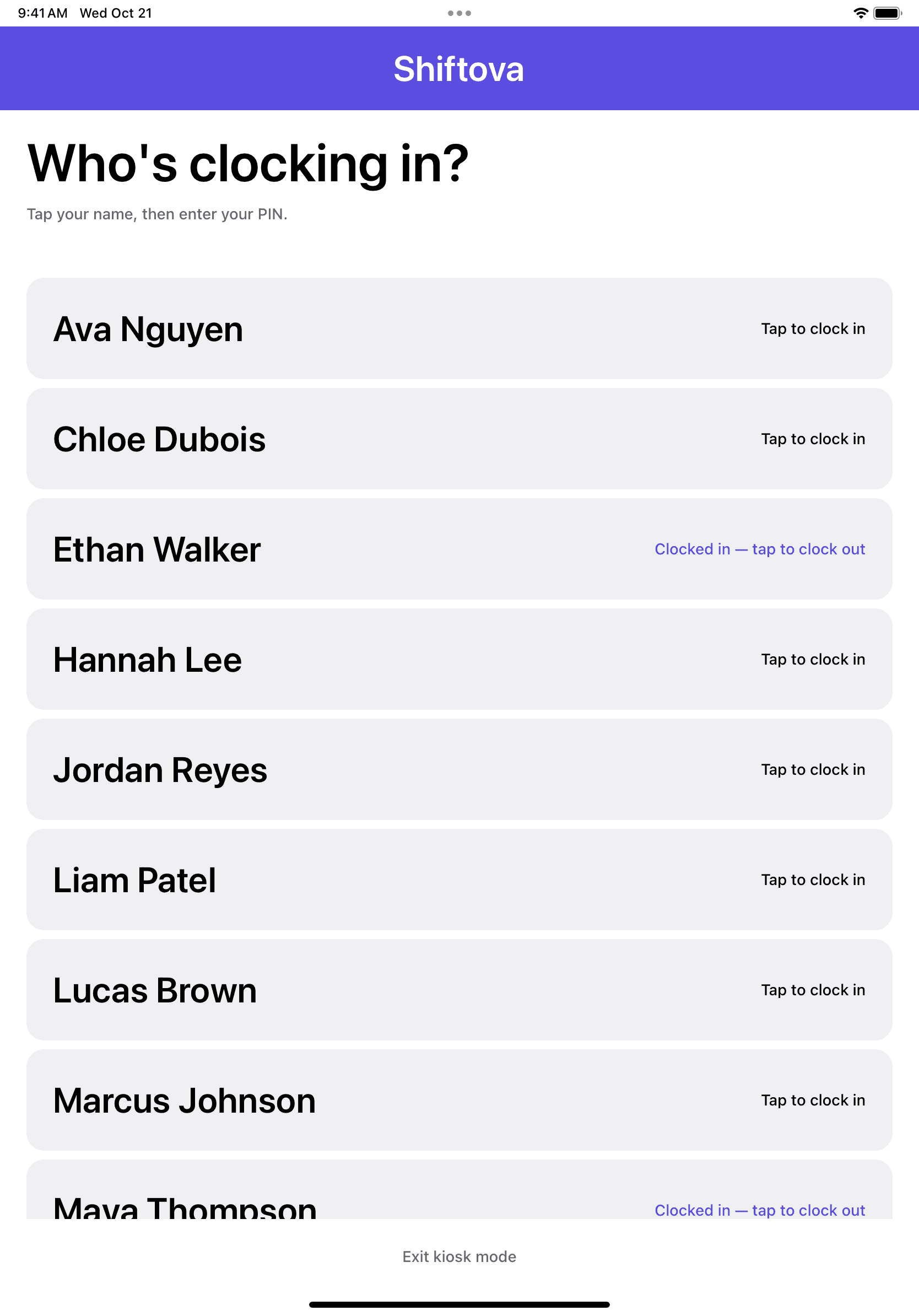
1. Tap your name
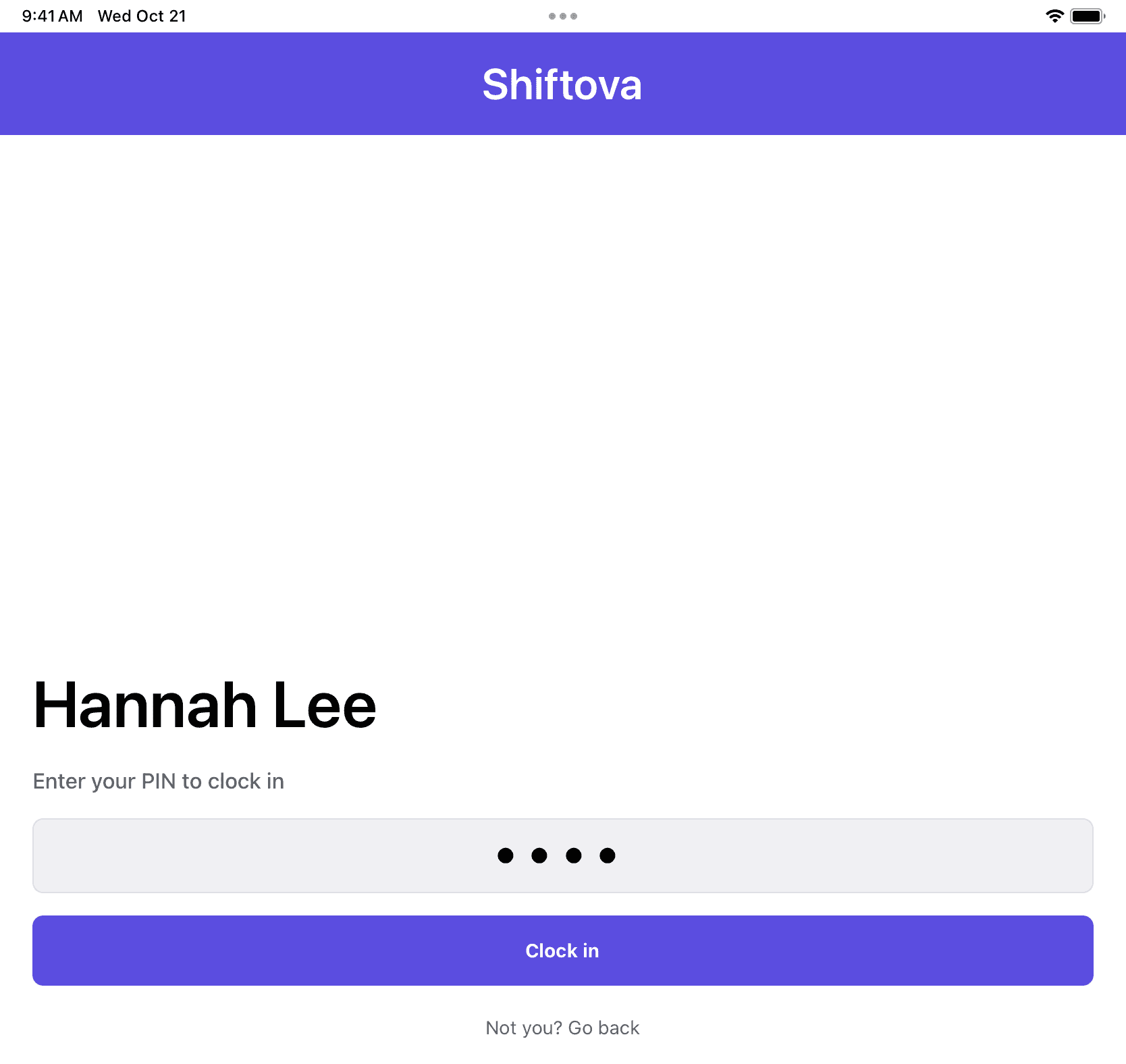
2. Enter your PIN
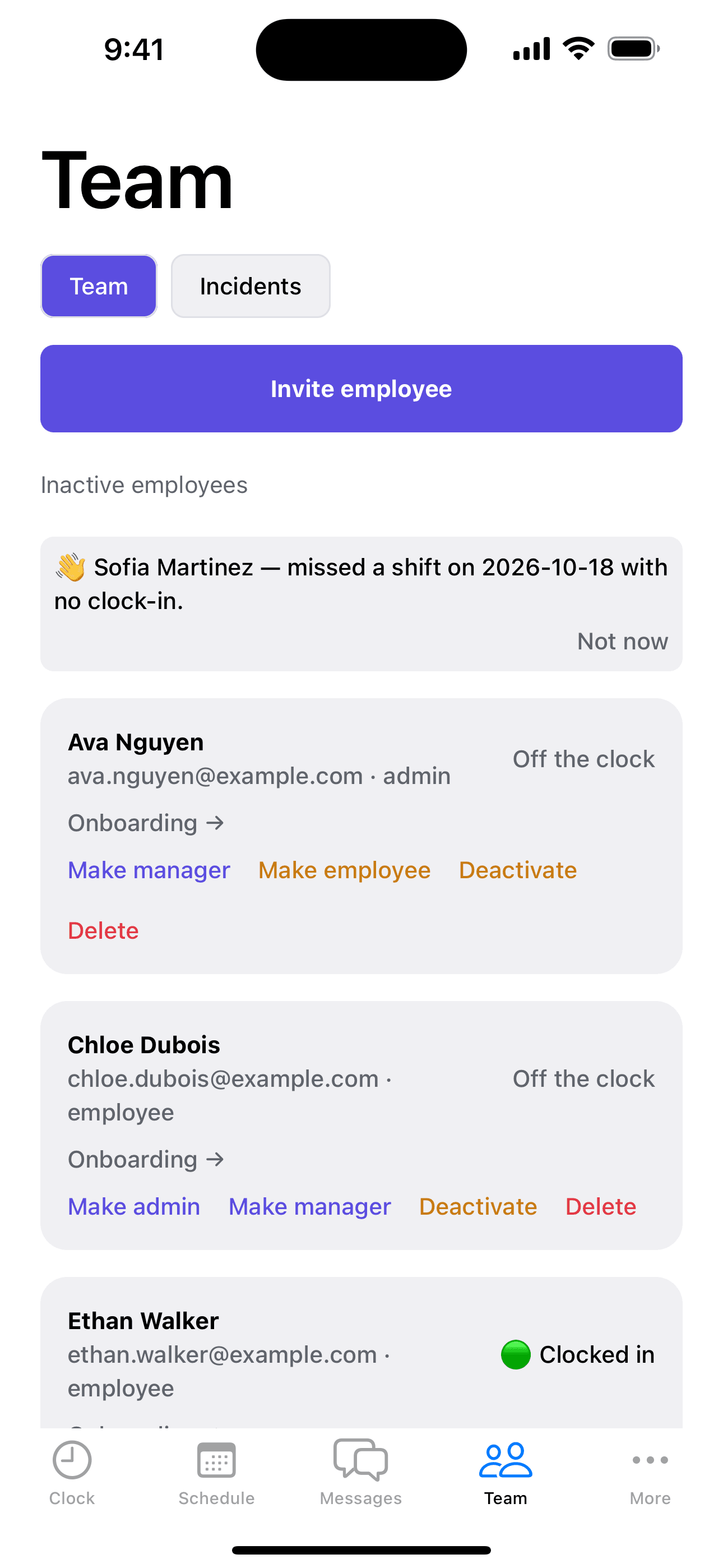
A heads-up before someone checks out
Shiftova quietly flags an employee whose recent hours, swaps, or clock times suggest they might be checking out — a missed shift, a shift given away, hours drifting from what's scheduled. Never automatic, just a heads-up on the Team screen while there's still time to have the conversation.
Payroll dollars you can trust
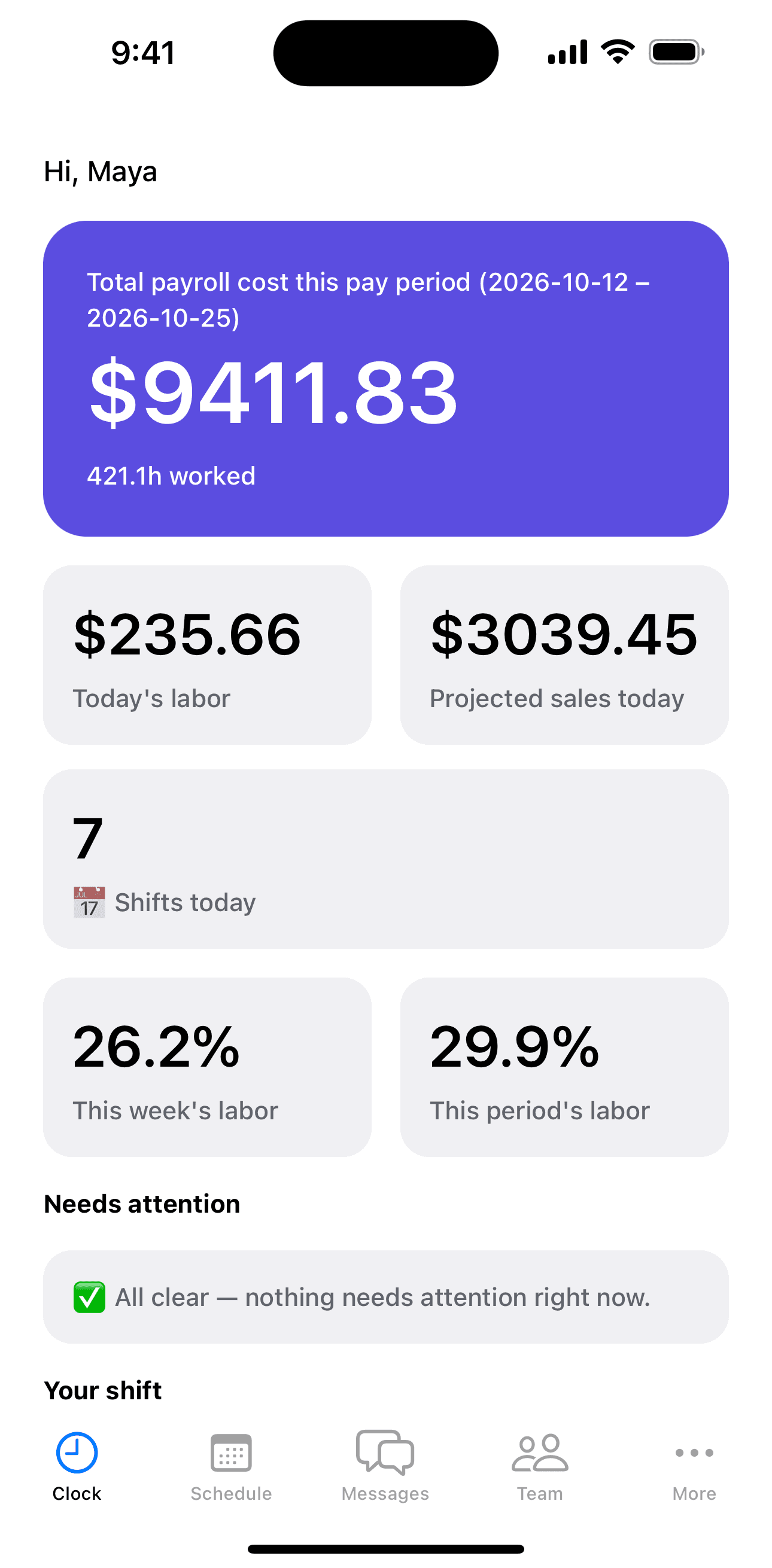
The dashboard's payroll total now applies the legally required 1.5x overtime premium and each province's statutory holiday pay formula — not a flat hours × wage guess. See what a pay period actually costs, and your real labor %, before it's over.
One price per location. Three months free.
Every plan starts with 3 months free and every feature unlocked, so you can see what fits before you pay. Then keep the plan you need.
Starter
Run the schedule and the time clock in one app.
$45 /month
Billed monthly, in CAD
Start 3 months free- Schedules, publishing and shift swaps
- Phone time clock with a GPS snapshot
- Time off and availability requests
- Team chat, group chats and announcements
- Shift reminders and overtime alerts
- Payroll hours with overtime and stat pay, as PDF and CSV
- Province and state labour-rule warnings
- Manager role and calendar sync
Pro
Most popularSchedule to your sales, and let Shiftova draft the week.
$89 /month
Billed monthly, in CAD
Start 3 months freeEverything in Starter, plus:
- Draft week: next week's schedule built from your own history
- Sales forecast, labour % and suggested hours
Needs your sales history
Forecasts start once Shiftova has at least 28 days of your daily sales. After a year it learns your seasons, and once a holiday has come around two or three times it learns that holiday too. The more history it has, the better it knows your slow and busy days.
Add-onWe can load your past sales
Send us your past daily sales, as a spreadsheet or your POS's sales report, and we'll add them to Shiftova for a one-time fee, so your forecast starts on day one. On Square? Premium brings in up to two years of sales on its own.
- Sales by hour
- Tablet time clock for the whole team
- Shift checklists
- Workplace incident reports
- Onboarding documents
- Early warnings when someone's pulling away
Premium
For restaurants that pool tips and run on Square.
$129 /month
Billed monthly, in CAD
Start 3 months freeEverything in Pro, plus:
- Tip pooling, split by hours worked and position
- Square sales sync, with up to two years of history
- Priority email support
- 3 months free on any plan, with every feature unlocked
- No per-user fees: unlimited staff on every plan
- Save 20% with yearly billing
- Cancel anytime
10% off your 2nd location
20% off the 3rd and beyond
More than one location?
Add a location any time by signing up with the email you already use. It joins your account, so you can switch between stores in the app, and the discount is applied automatically at checkout for as long as that location stays with us.
Get your team off the group chat.
3 months free on any plan. No charge until the trial ends.
Start 3 months free